hold fn
speak, and the text pastes into the app in front. keep dictations on, and a copy is a jot. cleanup is optional. fillers and false starts come out. the wording stays. one switch turns cleanup off. ⌃⌥V speaks a jot. hold to talk.
 jot
coming soon
jot
coming soon
macos
a local-first notes inbox for your mac. one keystroke, and it lands as a plain markdown file in a folder you own.
regular price $29$9
launch price for the first 50 users
01
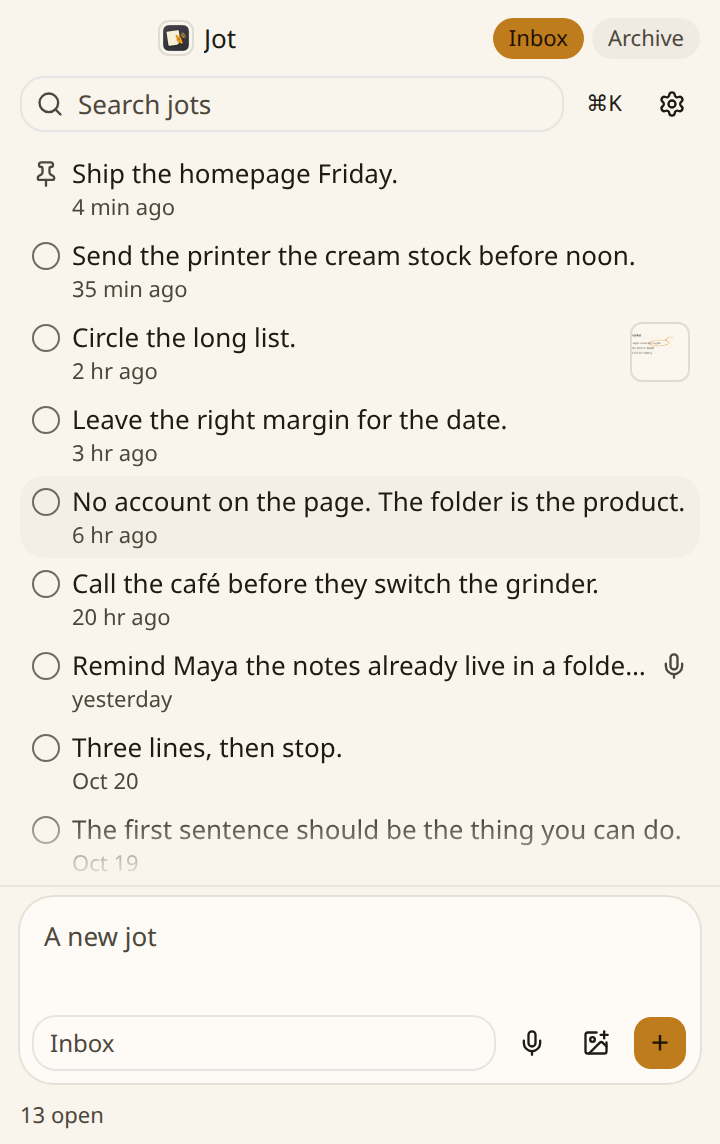
shift shift captures the selection. text, images in it, or a screenshot already on the clipboard.
quick note writes one without opening the window. ⌃⌥N.
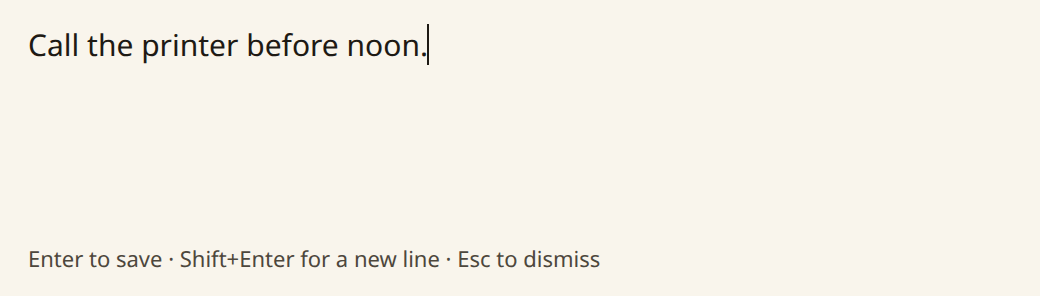
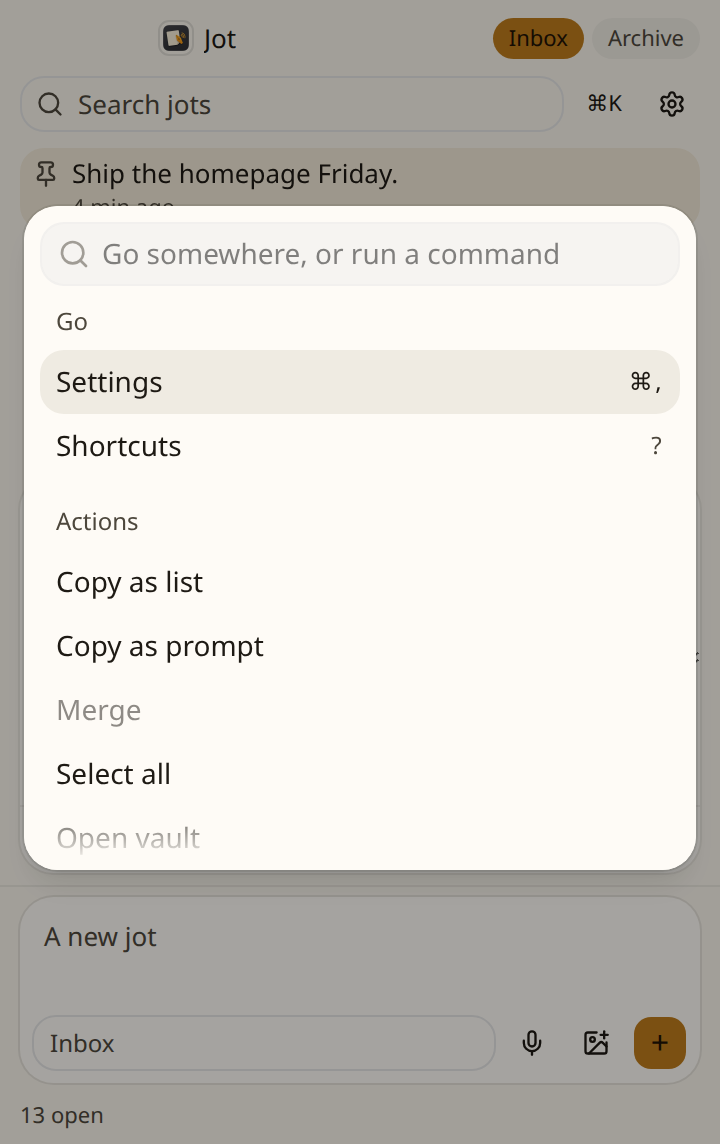
the inbox is keyboard-first.
02
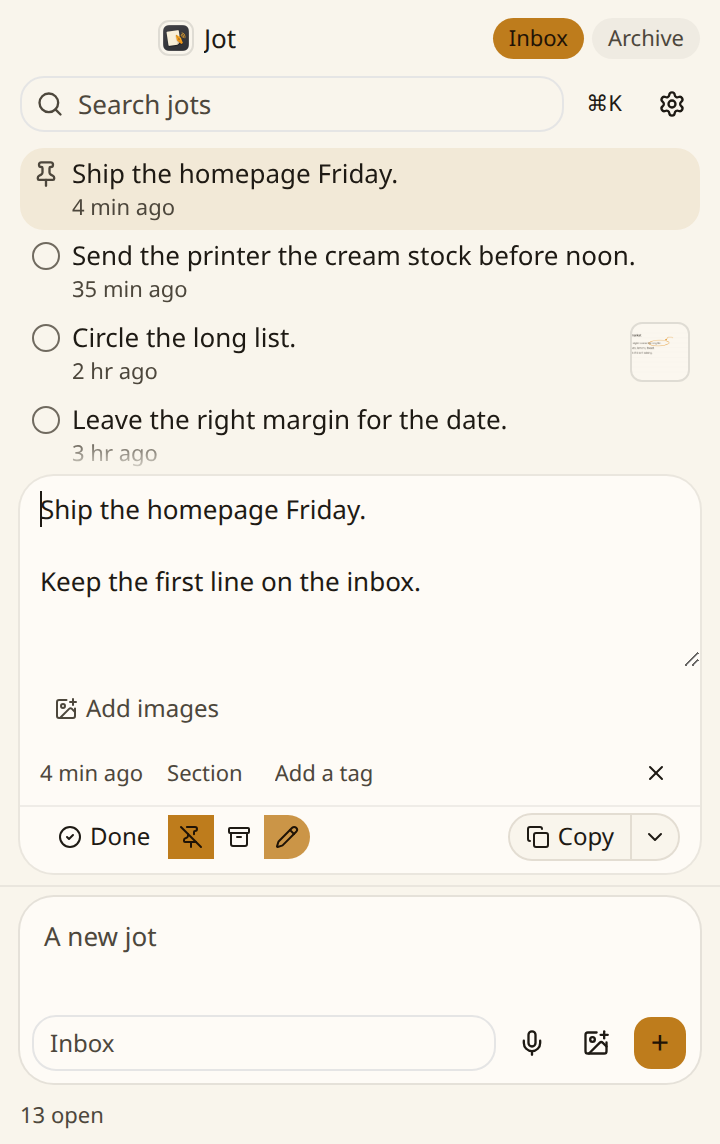
every jot is a plain markdown file.
~/Documents/Jot/YYYY-MM-DD-id.md
no account. no sync. no analytics. agents and other tools can read the folder.
03
speak, and the text pastes into the app in front. keep dictations on, and a copy is a jot. cleanup is optional. fillers and false starts come out. the wording stays. one switch turns cleanup off. ⌃⌥V speaks a jot. hold to talk.
grab a region of the screen. mark it up, then copy it to paste anywhere, or save it to the inbox. ⌃⌥D draws a page and saves it as a jot.
04
transcription and cleanup are separate choices.
transcription is parakeet on this mac, or a cloud model. cleanup is apple's on-device model, or a cloud model.
one-time license
no subscription.
regular price $29$9
launch price for the first 50 users
checkout isn't open yet.
no. jot is a one-time license. pay once, and it's yours. the launch price for the first 50 users is $9. the regular price is $29. nothing renews.
yes. jot is a macos app.
every jot is a markdown file at ~/Documents/Jot/, named YYYY-MM-DD-id.md. no account, no sync, no analytics. jot checks dl.sayjot.xyz for updates. the first dictation downloads a speech model from hugging face. parakeet, and cleanup with apple's on-device model, stay on the machine. pick a cloud model, and jot fetches the model list and sends that text to vercel.